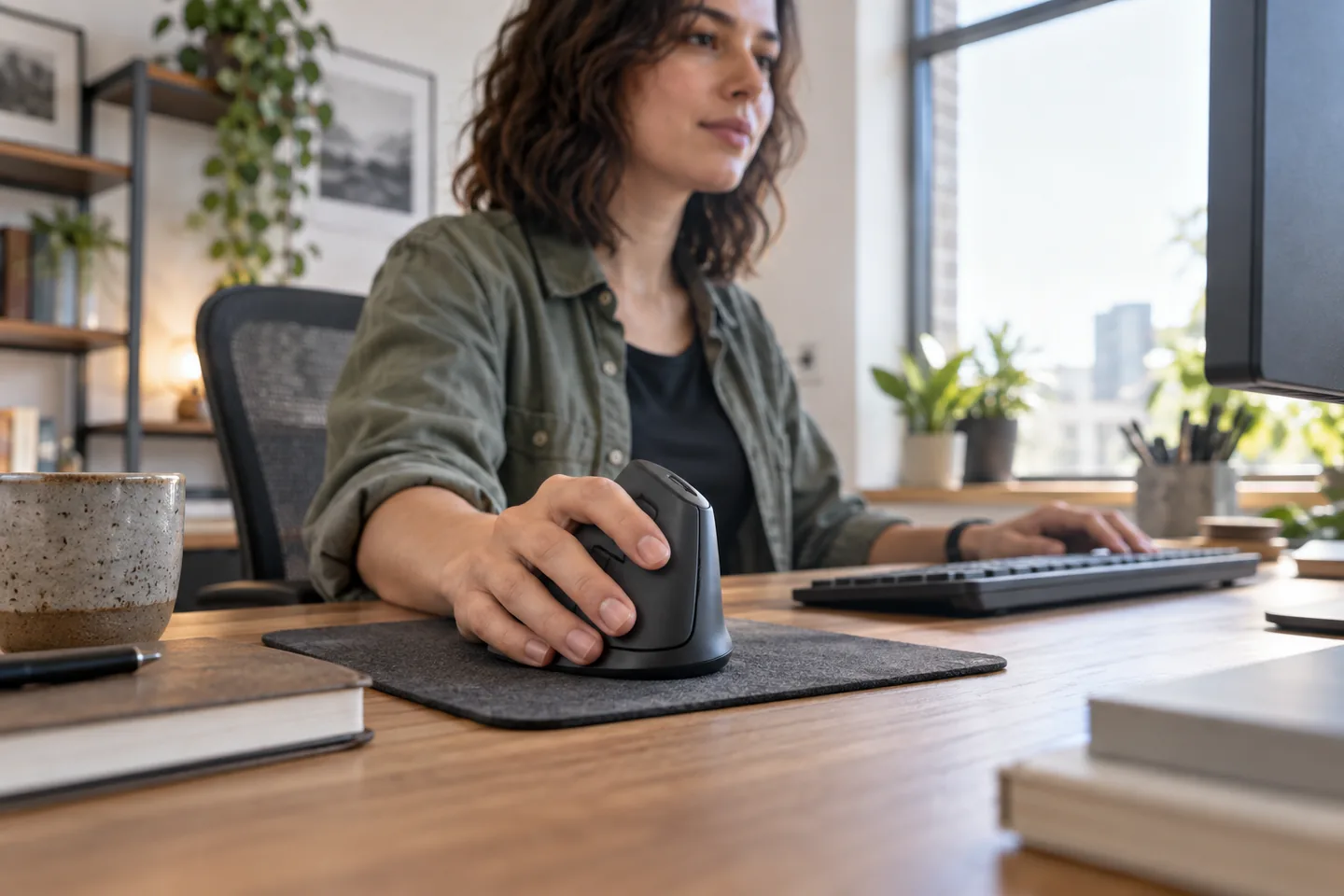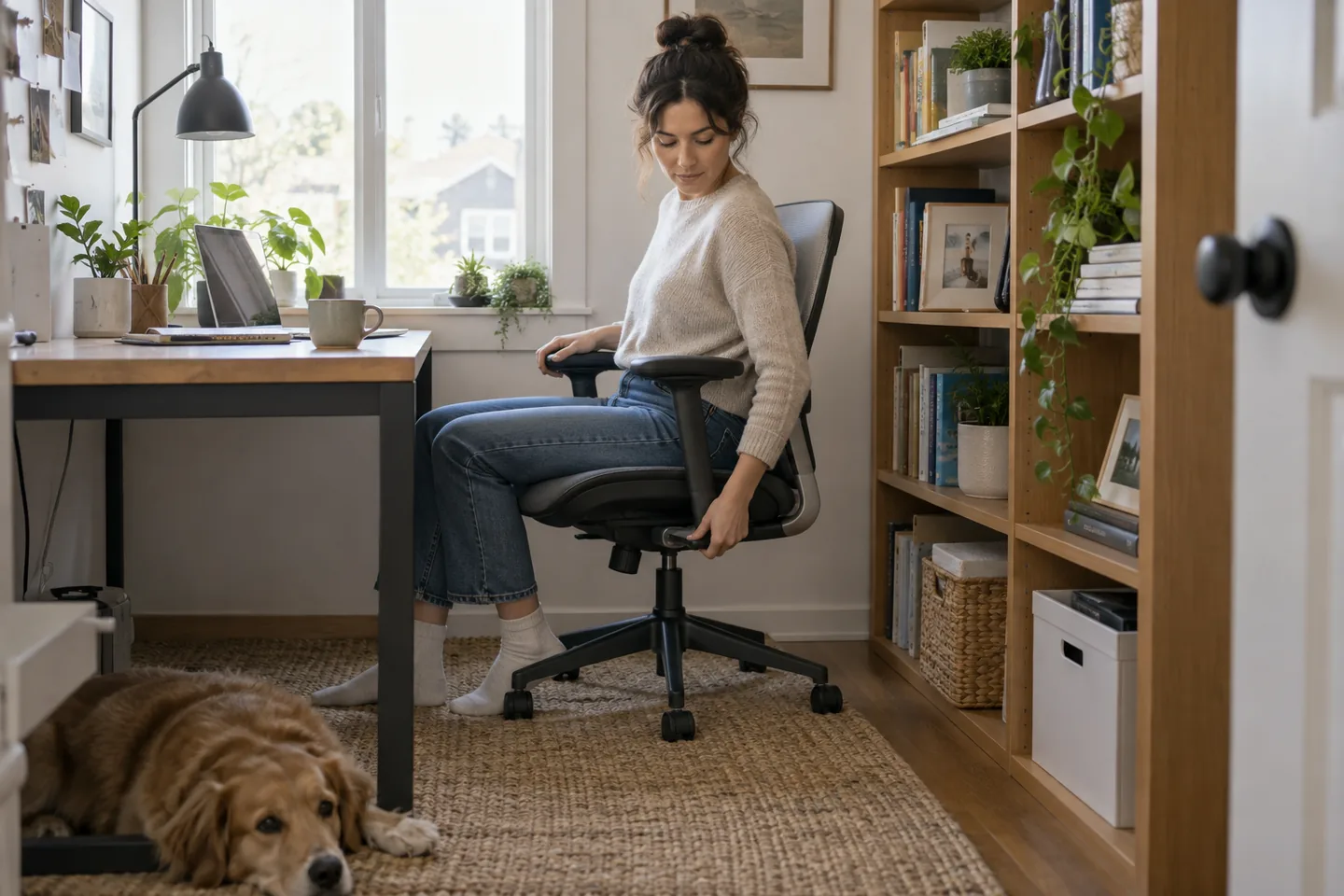

At a kitchen table, raising the laptop can improve camera angle and free a little visual space. The tradeoff is that direct typing becomes less comfortable. The practical setup is a stable stand, compact keyboard, and mouse that can all disappear after work.
The short list
| Pick | Best for | Tradeoff |
|---|---|---|
| Roost V3 Laptop Stand Best portable stand | Hybrid workers moving between tables | It expects an external keyboard and can feel springy if you type on the raised laptop. |
| Rain Design mStand Best fixed desk stand | A permanent single-monitor-height setup | Fixed height and bulky shape make it poor for travel. |
| Twelve South Curve Flex Best adjustable desk style | Frequent calls with changing seat height | It is heavier and pricier than minimalist travel stands. |
Our picks, by real-life fit
1. Roost V3 Laptop Stand
Best for: Hybrid workers moving between tables
A folding, height-adjustable frame raises many laptops while packing into a slim sleeve.
The tradeoff: It expects an external keyboard and can feel springy if you type on the raised laptop.
2. Rain Design mStand
Best for: A permanent single-monitor-height setup
A solid aluminum platform provides a stable, tidy home for a laptop on a desk.
The tradeoff: Fixed height and bulky shape make it poor for travel.
3. Twelve South Curve Flex
Best for: Frequent calls with changing seat height
A more furniture-like stand combines elevation with adjustment and a folding design.
The tradeoff: It is heavier and pricier than minimalist travel stands.
How to choose without overbuying
The highest specification is rarely the most useful specification. Start with the repeated situation that made you search for this product, then use these rules to remove options that create more work than they save.
- Plan for an external keyboard above modest elevation.
- Check laptop thickness and hinge clearance.
- Choose fixed stability or travel folding deliberately.
- Set the camera near eye level without lifting your chin.
A routine that makes the purchase work
Products earn their place through habits, storage, and maintenance. This simple setup is more valuable than adding another accessory on day one.
- Center the camera, then adjust chair and screen.
- Place the keyboard where forearms stay level.
- Route the charging cable so stand adjustment cannot pinch it.
What we would not do
- Typing all day on a steeply elevated laptop.
- Blocking the laptop’s ventilation.
- Balancing a stand on a soft or uneven surface.
We base product statements on current published information and make an editorial inference about who each option fits. We do not claim hands-on testing, durability measurements, or performance benchmarks that ChoicesVera did not conduct.
The bottom line
We separate portable stands from desk furniture. The Roost packs small and adjusts high; the mStand is stable and attractive but wants to live in one place. Compare the return policy and current price before ordering, especially when fit, feel, or compatibility cannot be confirmed from specifications alone.
Frequently asked questions
Does a laptop stand improve posture?
It can raise the screen, but the full setup still depends on chair, keyboard, mouse, viewing distance, and breaks.
How high should the camera be?
Near eye level is a useful starting point, adjusted so your head stays neutral and the screen remains comfortable to view.
Can I type on the stand?
At low elevation for short periods, perhaps. For sustained work, an external keyboard and mouse are usually more comfortable.
Sources and fact check
Product details last checked 2026-09-17. Prices and availability change; ChoicesVera does not publish fixed price claims on this page.